
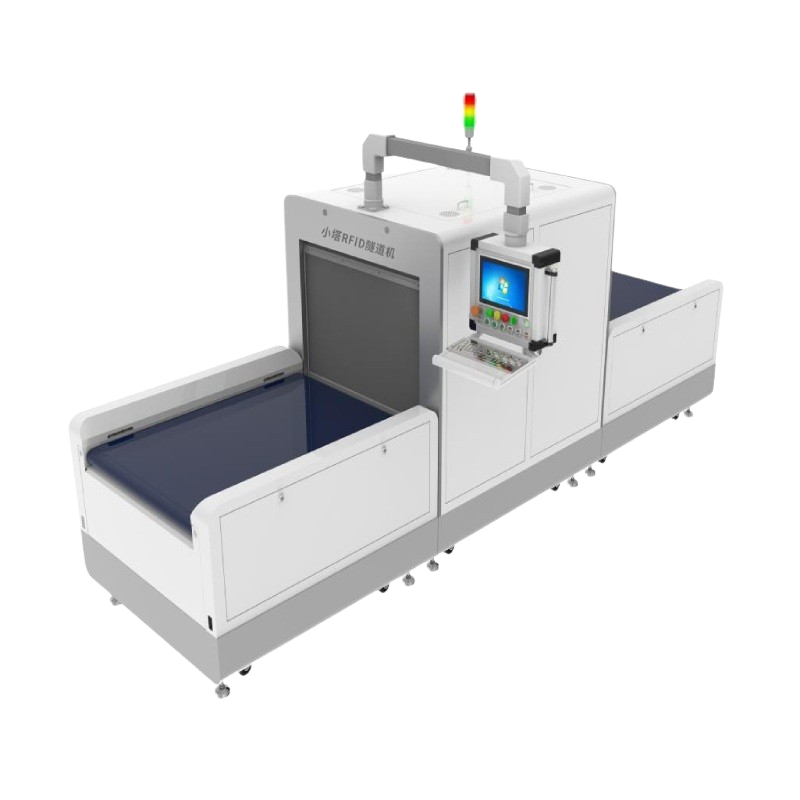
Automate apparel warehouse counting and shipment verification with the XTC6101 RFID Tunnel Reader, reading 400+ tagged items in 3 seconds.
Notice: All products can be configured to comply with the local RFID frequency standards of the destination country or region. Please confirm the required frequency band before placing your quote.
CMS NOTES: - The CMS already provides the page H1; this content intentionally starts with H2. - This is a CMS body fragment, not a complete HTML document. - All styles are inline. No JavaScript, external CSS or embedded style block is used. - Product and application images are embedded in this file. -->
|
400+ Items
Per Read Cycle*
|
≤3 Seconds
Documented Read Time*
|
6–10 Cartons
Typical Throughput / Minute*
|
80 kg
Conveyor Load
|
Manual carton opening and item-by-item barcode checking can slow receiving and shipping operations. As an automated RFID Conveyor Reader, XTC6101 captures tagged products in bulk and gives operators an immediate list, validation result and exception prompt.
|
01
Faster Bulk ReadingIdentify hundreds of tagged apparel items together without opening every carton for barcode scanning. |
02
More Consistent ChecksApply the same automated verification sequence to incoming, outgoing or counted cartons. |
03
Clear ExceptionsPresent item-list differences and configurable alerts so operators know which load needs review. |
04
Connected DataUse captured tag records in the warehouse workflow instead of leaving results on a standalone device. |
|
Controlled Reading Environment
Read the Carton in the Tunnel, Not the Inventory Around ItReliable RFID warehouse inventory management depends on controlling where each reading event happens. XTC6101 uses a sheet-metal enclosure and automatic doors to create a defined reading chamber around the carton moving through the conveyor. Sensors and independently controlled conveyor sections coordinate entry, reading and release. This helps separate the intended carton from tagged products stored nearby and supports repeatable inbound and outbound validation. |
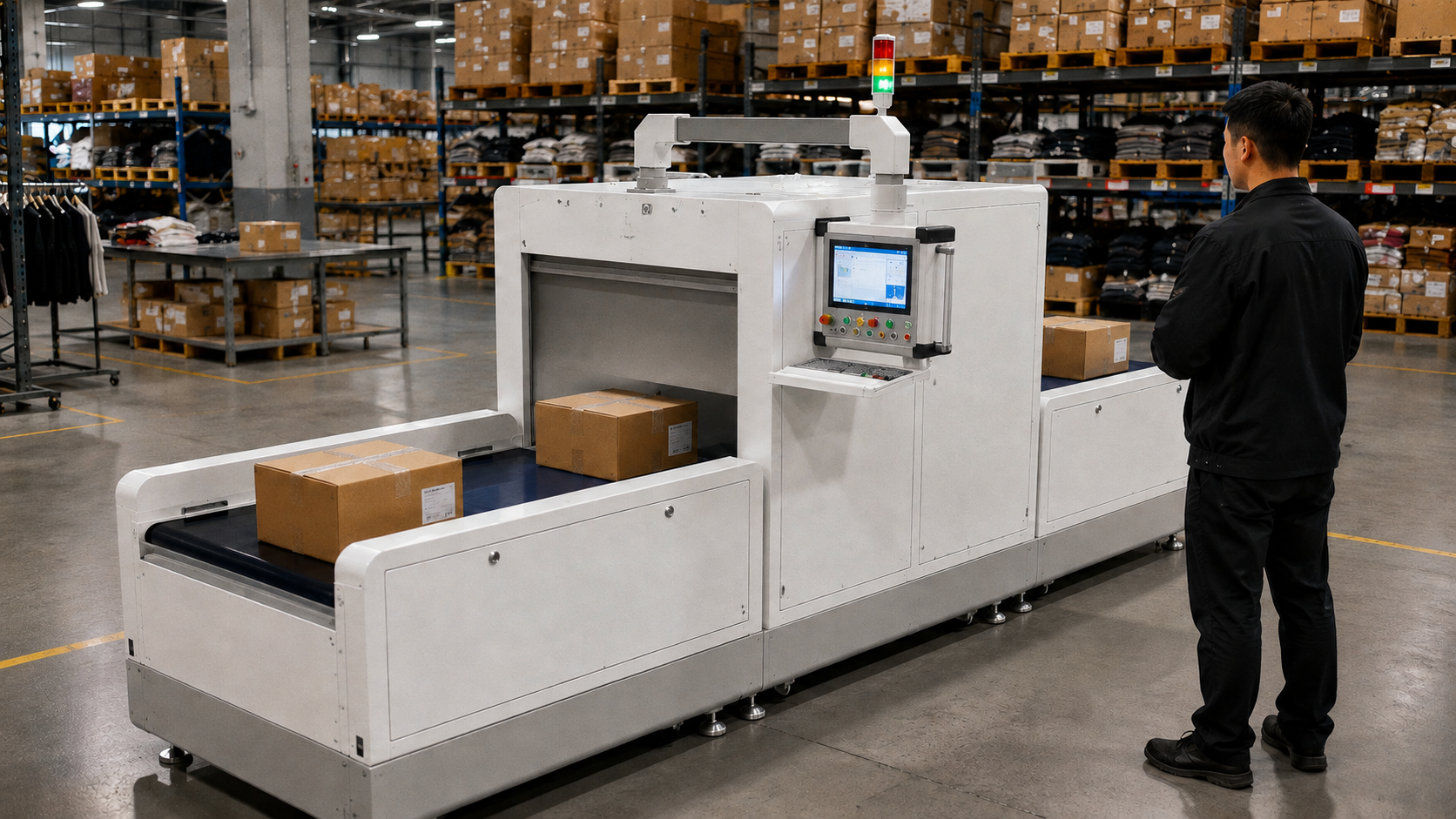
Application image: apparel cartons move through a controlled UHF RFID read zone for warehouse verification.
|
The RFID Tunnel Reader can run in cyclic or trigger mode and supports both static and moving reads. The final comparison and handling logic is configured around the customer's warehouse process and connected software.
|
STEP 01
Enter the TunnelThe conveyor carries the tagged carton into the enclosed reading chamber. |
STEP 02
Capture the TagsThe UHF RFID reader identifies the item-level tags without line-of-sight scanning. |
STEP 03
Validate the ListThe interface displays captured data and compares it with the expected business list. |
STEP 04
Release or FlagA verified carton continues; a difference can trigger a prompt, alarm or optional sorting workflow. |
Receiving VerificationCompare incoming tagged apparel with advance lists or receiving records before inventory is accepted. |
Warehouse Inventory CountingCount tagged products in cartons as part of a faster RFID inventory system and controlled audit process. |
Outbound Shipment CheckingValidate carton contents against the expected shipment before goods leave the distribution center. |
Exception HandlingUse prompts and alarms to identify loads that require review, with an optional abnormal sorting module available. |
|
Software and System Integration
Connect Each Reading Event with the Warehouse WorkflowXTC6101 can display real-time item lists, validation results and operating prompts through its 10.1-inch touchscreen. Windows or Android can be selected for the project, while secondary software development can connect the RFID reader with compatible warehouse and enterprise systems. |
01 Real-Time Item List
Show the tags captured in the current carton or verification cycle. 02 Validation and Prompts
Present the configured result and guide operators when an exception occurs. 03 System Connection
Plan secondary development around compatible WMS, ERP or other business systems. |
Xiaota combines RFID tags, reader hardware, software integration and project implementation. For an XTC6101 deployment, this can include carton and tag testing, read-zone tuning, conveyor and safety coordination, workflow design, interface planning, pilot validation, operator training and rollout support.
| 01 Assessment |
02 Tag Testing |
03 Integration |
04 Pilot |
05 Deployment |
| Model | XTC6101 |
| Product Type | Automated UHF RFID Tunnel Reader / RFID Conveyor Reader |
| Primary Applications | Inventory counting, inbound verification and outbound shipment checking |
| RFID Protocol | ISO 18000-6C |
| RFID Frequency | 840–960 MHz |
| RF Output Power | 33 dBm ±1 dB |
| Documented Reading Performance | More than 400 tagged items in ≤3 seconds* |
| Reading Modes | Static and moving read; cyclic or trigger operation |
| Touchscreen | 10.1-inch capacitive touchscreen |
| Operating System | Windows or Android optional |
| Conveyor Structure | Three sections with independent control |
| Conveyor Speed | 20 m/min default; 30 m/min maximum |
| Conveyor Load | 80 kg |
| Documented Throughput | Approximately 6–10 cartons per minute* |
| Automatic Door Speed | 1.2 seconds |
| Overall Dimensions | 1025 × 1554 × 3965 mm |
| Tunnel Interior | 785 × 592 × 1365 mm |
| Maximum Carton Size | 785 × 592 × 1065 mm |
| Enclosure | Sprayed sheet-metal housing |
| Operating Temperature | -20°C to +60°C |
| Power Supply | AC 220V |
| Power Consumption | 800W maximum; less than 100W standby |
| Optional Functions | Abnormal-item sorting module and secondary software development |
*Reading speed, tag quantity and carton throughput depend on tag performance, tag placement, product material, carton construction, item density, conveyor configuration and the installation environment.
Tell us about your carton dimensions, tagged-item quantity, conveyor speed, receiving and shipping rules, exception process and WMS or ERP environment. Xiaota can help test the reading conditions and configure an XTC6101 RFID Tunnel Reader around your operation.
Discuss Your RFID Tunnel Project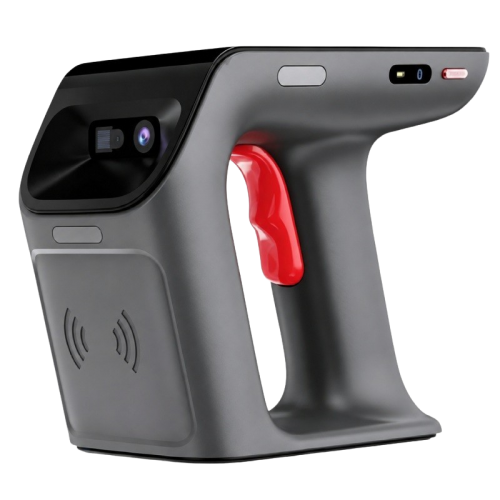
Mobile UHF RFID reader with 500+ tags/s, 10m+ range, barcode scanning, BLE 5.0 and a replaceable battery for retail and inventory. Notice: All products can be configured to comply with the local RFID frequency standards of the destination country or region. Please confirm the required frequency band before placing your quote.
View More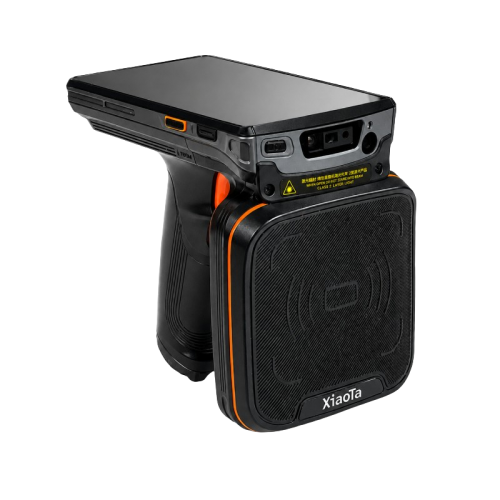
XT50 handheld RFID reader combines UHF RFID and barcode capture with Android 11 and a 9000mAh battery for retail, apparel and warehouse inventory.
View More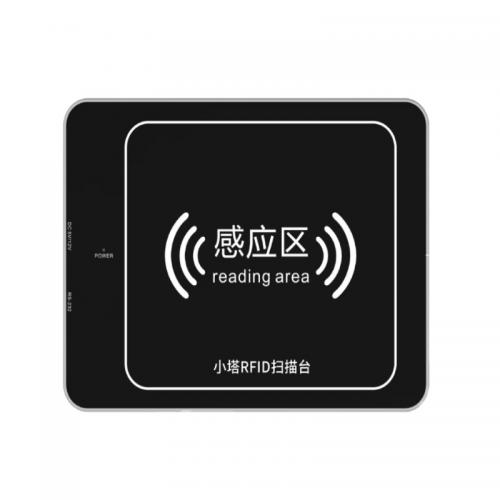
XTS2002 is a near-field UHF RFID reader for fast retail checkout, receiving, shipping verification and inventory management.
View More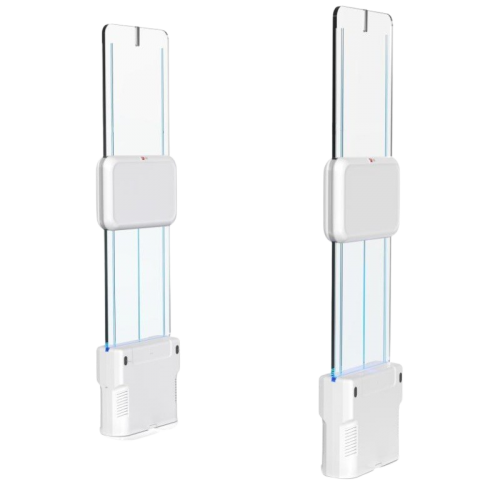
XTD4231 RFID EAS Gate connects item-level exit detection with visual and audible alarms for fashion retail loss prevention and store security.
View More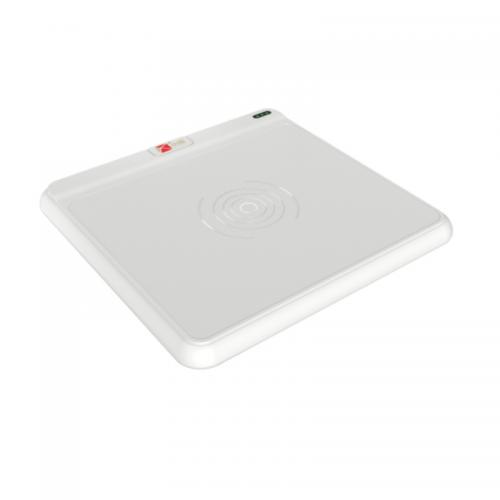
The XTS2001 is a compact UHF RFID POS Reader designed specifically for multi-item checkout in fashion retail stores. Instead of scanning each garment barcode individually, cashiers can place multiple RFID-tagged items on the reader and capture them together. The reader connects with an external POS through Type-C and supports USB cursor-style output as well as SDK and API integration. Its slim countertop design allows retailers to add RFID checkout to an existing cashier station without turning the counter into a large self-checkout kiosk.
View More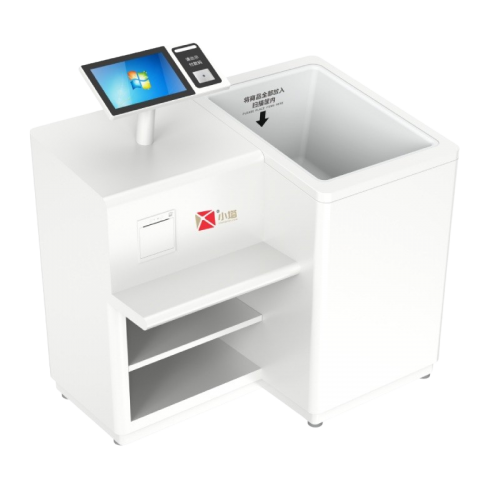
Speed up multi-item apparel checkout with the XTZ3201 RFID Self Checkout Kiosk, featuring UHF batch reading, POS integration and self-service payment.
View MoreLeave A Message
Scan to wechat :