

How RFID Helps Clothing Stores Keep the Right Sizes on the Sales Floor


Author
Global Marketing Manager
from Xiaota RFID, we focusing on RFID technology, smart retail solutions, and digital transformation for global businesses
How RFID Helps Clothing Stores Keep the Right Sizes on the Sales Floor
A garment can be in your store and still be unavailable to the customer. Better stock visibility helps your team close that gap.
A customer picks up a jacket and asks for a medium. Your system shows two available, but neither is on the rail. A colleague checks the stockroom while the customer waits. The jacket may be there—but the sale now depends on finding it in time.
This is a familiar problem in clothing retail. Having enough stock across the store does not mean the right sizes are ready on the sales floor. RFID inventory management can help teams check physical stock and turn those findings into a useful replenishment routine.
- Sales Floor: Medium missing. Check the displayed size range.
- Stockroom: Medium available. Verify the matching garment.
- Replenishment: Bring it forward. Refill, then confirm the move.
Illustrative workflow: an available size needs to move from the stockroom to the sales floor.
Why “in stock” is not always ready to sell
Store totals hide important detail. A style may have ten units, yet the most requested size is missing from display. Stock can also sit in an unopened delivery, a returns area or the wrong section of the stockroom.
Nedap describes this gap as merchandise that is in stock but absent from the sales floor. Its guidance also makes an important distinction: replenishing a store from a warehouse and refilling a display from the backroom are different jobs.
For a fashion store, the question is therefore more specific than “How many do we have?” It is “Which styles and sizes should be on display, and which can we bring forward now?”
Where manual replenishment falls short
Walking the floor is useful, but missing sizes are easy to overlook during busy hours. A list of recent sales helps staff replace sold items, yet it does not explain every gap. A garment may have moved to a fitting room, been misplaced or never reached display.
RFID adds another source of information: the tagged items physically present during a check. It supports the staff’s judgment rather than replacing the merchandising plan.
How RFID supports a practical refill routine
1. Give each garment a linked identity
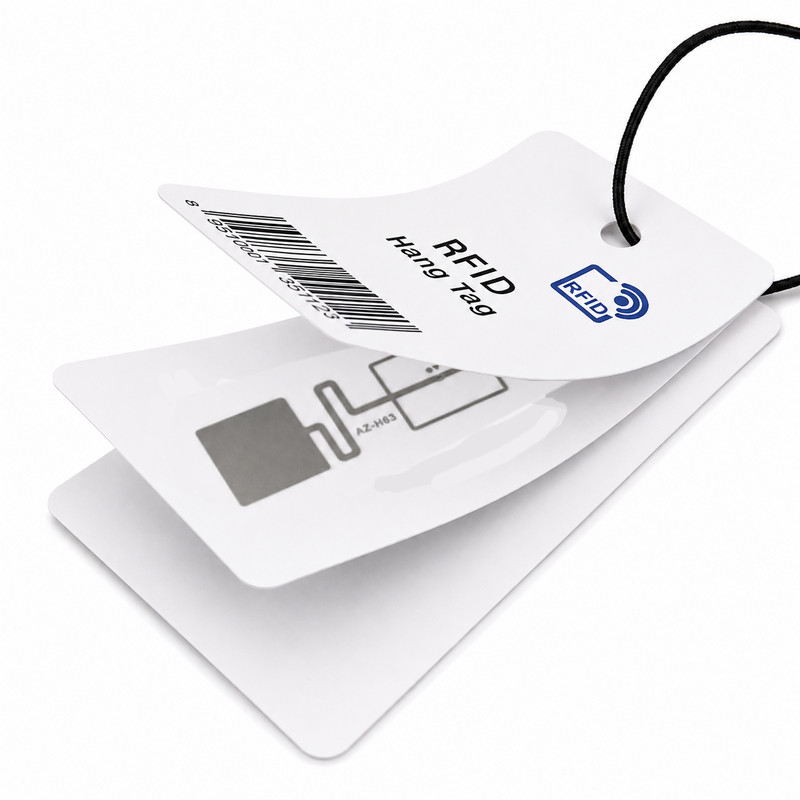
Choose suitable RFID clothing tags and associate each item identity with its product record. The software needs the correct style, color and size mapping before a read can become useful stock information.
2. Check the sales floor and stockroom separately
Use a planned counting process to record stock by area. Separate count tasks and suitable reader settings help staff avoid mixing nearby zones. A handheld read alone does not prove the exact location of every tag; zone boundaries and overlapping reads need to be tested.
3. Make a short, relevant refill list
Compare the display requirements with available backroom stock. Focus on missing sizes and products that should currently be on sale. New collections awaiting launch, reserved orders and goods marked for return should not enter the list just because they are in the stockroom.
4. Find, move and verify
Staff locate the requested items, bring them to the sales floor and confirm the transfer in the agreed workflow. The next check can then show whether the display gap has been resolved. Repeat this routine at useful points in the trading day.
How Xiaota connects the workflow
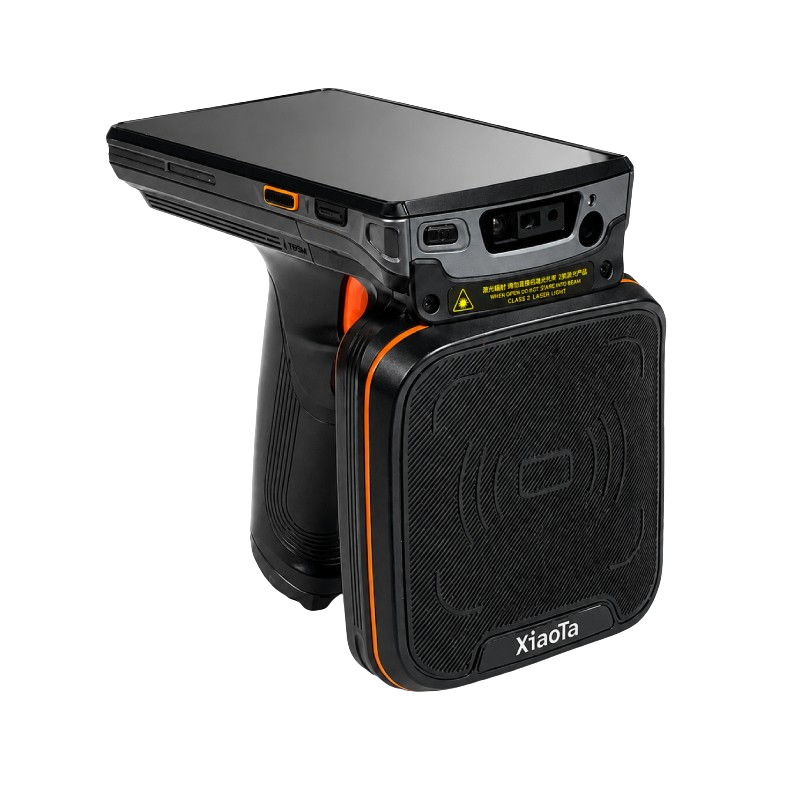
Xiaota brings together apparel tags, readers and RFID inventory management software. Tags identify the items, a device such as the XT50 handheld RFID reader captures them, and the connected software organizes the reads into stock tasks and product records.
Replenishment rules should reflect your store: display capacity, key sizes, reserved stock and how staff record movements. If you already use an ERP, POS or inventory system, the data exchange and responsibility for each stock update should be agreed before deployment.
A regular handheld routine updates visibility when staff perform the task. Continuous automatic location tracking requires a different hardware and software setup; it should not be assumed to come from a handheld count.
Start with one area and measure the difference
Begin with a manageable category, such as denim or jackets. Test the tag placement and counting routine on real garments, then track a few practical measures:
- How often a required size is missing from display but available in the stockroom.
- How long staff take to find and refill the item.
- Whether the next check confirms the intended movement.
During scanning, move horizontally and pause for one second at regular intervals. If the count is lower than expected, scan the shelf again or check the physical quantity. Keep standard apparel tags from touching metal directly, and validate settings around metal fixtures.
Help customers find the size they came for
RFID stock replenishment is useful when it helps staff take the next action. A clearer count, a relevant refill list and a verified movement can bring available garments out of the backroom and into reach of the customer.
Want to review your store’s tagging, counting and replenishment process? Talk to Xiaota about your apparel workflow. Start with the problem your team faces each day, then build the RFID setup around it.
- How RFID Helps Clothing Stores Keep the Right Sizes on the Sales Floor
- Ceiling-Mounted vs. Pedestal RFID for Fashion Stores
- RFID Security Tags for Apparel: How They Help Prevent Loss
- What Is RFID Tag in Apparel Industry?
- What Is EAS?
- What Is RFID?
- Xiaota RFID Showcases Smart Retail Solutions at IOTE Shenzhen 2026
- Xiaota Strengthens Workplace Safety with First Aid Training